Best conditional blocks plugins for WordPress
The most popular conditional blocks plugins for WordPress in November 2026, in WordPress.org’s own popular order, which follows active installs. Block Visibility leads with 40K+ active installs, ahead of Visibility Controls for Editor Blocks (900+) and Wicked Block Conditions (600+). All 8 plugins tagged “conditional blocks” are below, with figures from WordPress.org that update every day.
Installs aren’t everything: a recent release, a “Tested up to” that matches the current WordPress, and support threads that get resolved show a plugin is looked after. Open any plugin for its downloads, rank history and alternatives.
Research this niche or see all plugins.
Top 8 conditional blocks plugins
- 1.
 Block Visibility
The most installed conditional blocks plugin, with 40K+ active installs. Rated 4.9 from 108 reviews, updated 1 month ago.
- 2.
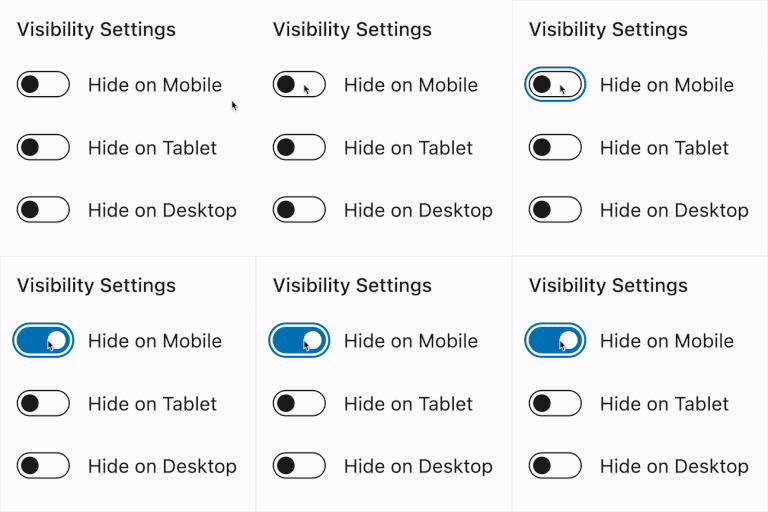 Visibility Controls for Editor Blocks
900+ active installs. Only 3 reviews so far, updated 4 months ago.
- 3.
 Wicked Block Conditions
600+ active installs. Rated 5.0 from 5 reviews, last updated 1 year ago. Tested only up to WordPress 6.7.11.
- 4.
 Osom Block Visibility
300+ active installs. Only 3 reviews so far, updated 1 month ago.
- 5.
 Responsive Visibility
100+ active installs. Only 2 reviews so far, updated 4 months ago.
- 6.
 IntelliBuilder
Fewer than 10 active installs. No reviews yet, last updated 2 years ago. Tested only up to WordPress 6.6.11.
- 7.
 BlockSieve
Fewer than 10 active installs. No reviews yet, updated 1 week ago.
- 8.
 Block Conditions
Fewer than 10 active installs. No reviews yet, last updated 5 years ago. Tested only up to WordPress 5.7.21.
All 8 plugins tagged “conditional blocks”
Block Visibility
Up in the last 7 days:4#794by Nick Diego1 month ago
Easily show or hide any WordPress block. Schedule block visibility. Restrict blocks to specific screen sizes, user roles, post types, and more.
- Installs
- 40K+
- Rating
- 4.9(108)
- Downloads
- 798/day
Visibility Controls for Editor Blocks
Up in the last 7 days:10#7,145by denisdoroshchuk4 months ago
Hide Gutenberg blocks by device, custom breakpoints, and login status. Syncs with WordPress Hide block controls; Pro adds advanced rules.
- Installs
- 900+
- Rating
- 5.0(3)
- Downloads
- 11/day
Wicked Block Conditions
Down in the last 7 days:20#8,445by wickedplugins1 year ago
Show or hide blocks based on conditions.
- Installs
- 600+
- Rating
- 5.0(5)
- Downloads
- 11/day
Osom Block Visibility
Up in the last 7 days:3#10,958by OsomPress1 month ago
Osom Block Visibility lets you easily control block visibility from WordPress Block Editor.
- Installs
- 300+
- Rating
- 5.0(3)
- Downloads
- 11/day
Responsive Visibility
Down in the last 7 days:162#14,079by wowDevs4 months ago
Show or hide any Gutenberg block by device, custom breakpoint, or condition — login, user role, post type & more. No CSS, no code.
- Installs
- 100+
- Rating
- 4.5(2)
- Downloads
- 0/day
IntelliBuilder
Up in the last 7 days:1,243#58,370by Yaseen Taha2 years ago
IntelliBuilder: Control Gutenberg block visibility with custom rules for user roles, devices, locations, and more.
- Installs
- <10
- Rating
- –
- Downloads
- 0/day
BlockSieve
#60,788by Jahirul Islam10 days ago
Show or hide blocks by user role, login status, date, time, device, page or URL, with a report of every block that has visibility rules.
- Installs
- <10
- Rating
- –
- Downloads
- 11/day
Block Conditions
#70,343by Chintesh Prajapati5 years ago
Show/Hide your WordPress block content by various conditions.
- Installs
- <10
- Rating
- –
- Downloads
- 0/day